
Your entire visual world.
Instantly understood.
Picxa is the waterfall-style image viewer for macOS. It opens your real photo folders — no hidden library, no cloud — then adds on-device AI search, face recognition, geo discovery and silky video playback.
macOS 12 or later
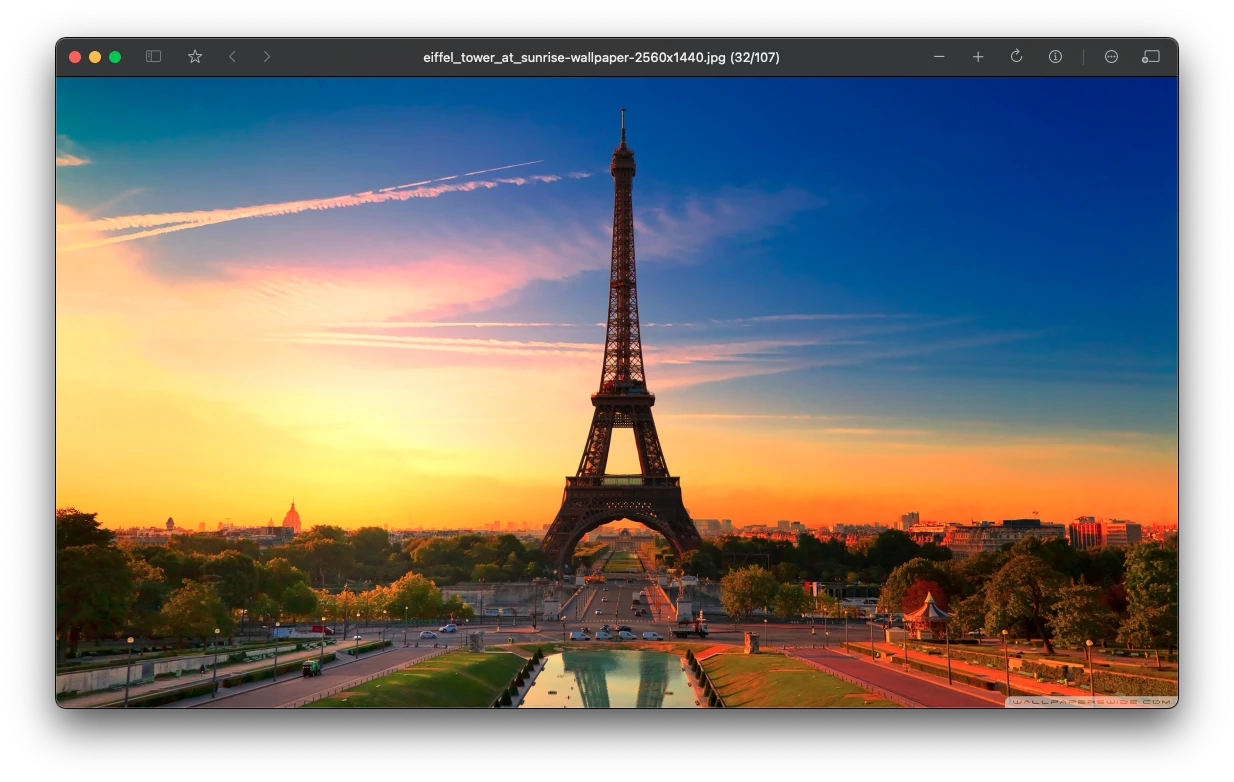
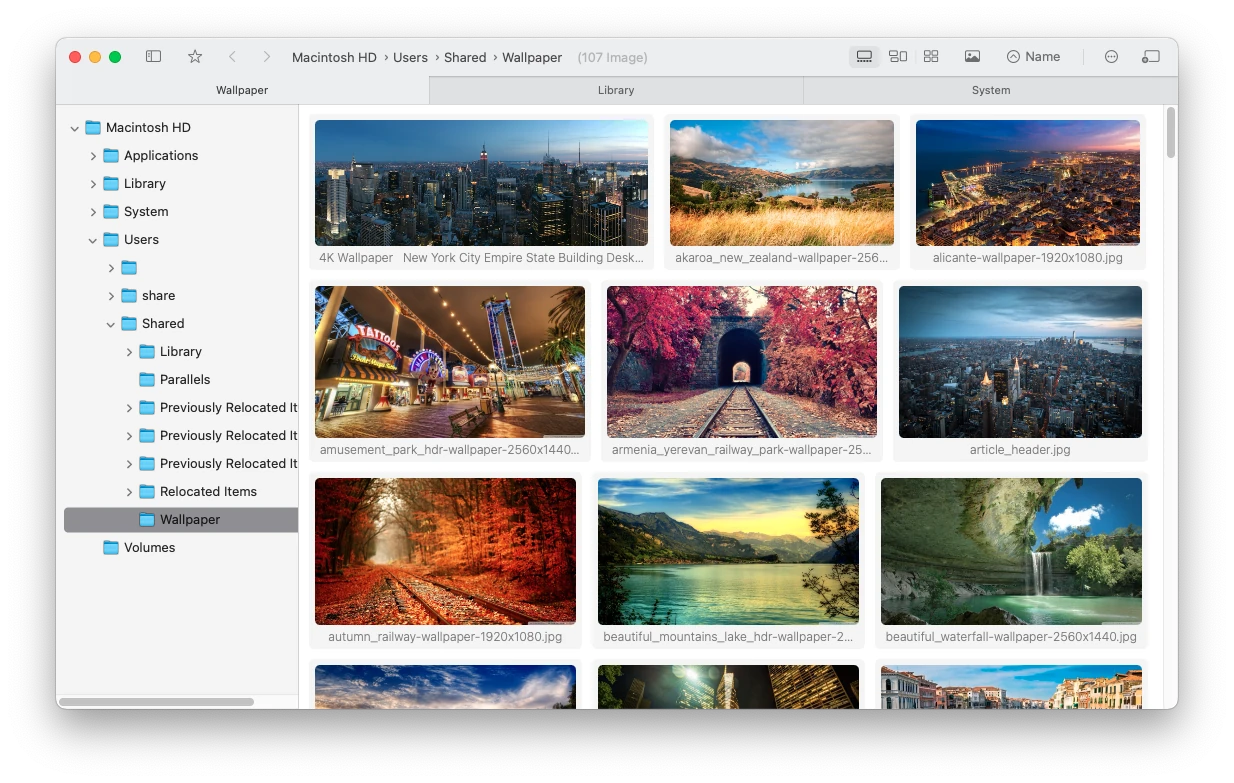
A waterfall that never fights you.
Scroll a hundred thousand photos like it's nothing.
Incremental layout, progressive thumbnails and a CPU-friendly renderer keep browsing fluid — even on massive external and network drives full of real, open files.
Then find anything — in your own words.
Type “beach sunset from January near Tokyo” and let the on-device AI do the rest. No uploads, no cloud.
Engineered for external & network storage
Fast where it hurts most.
External drives. Network drives.
Your files stay put. The speed doesn't drop.
Picxa reads your real folders directly — nothing is copied into a hidden library, and nothing is re-imported when drives move. It's tuned to be gentle on slow media — exFAT, FAT32, USB and network drives — so a 1.5 TB library on the wrong side of a cable still feels instant.
- Zero-I/O re-opens. A persistent metadata cache skips unchanged files entirely. Re-opening a 100,000-photo folder on an external SSD costs almost nothing.
- Lazy attribute reads. Dates and sizes are fetched only when your current sort needs them — no wasted stat calls on slow volumes.
- Right-sized parallelism. Tunable concurrency per volume: aggressive on internal SSD, gentle on spinning, USB and network drives.
- Less I/O per file. Redundant resource queries, iCloud and symlink probing are stripped from external-volume scans.
Apple Photos locks your originals inside a monolithic library. Picxa works on the files you can see — batch-rename, copy, move, back up or delete them without a single re-sync, and eject any drive the moment you're done.
Re-open an indexed external folder → zero disk traffic
Video, but comfortable
Watch it right where
your photos live.
- Play in the grid. Videos start right in the waterfall — no separate player to hunt for.
- A-B loop. Loop any segment with one keypress. Perfect for replays and slow-mo study.
- Full playback kit. Speed control, sequential play, remembered position, rotation — all inside Picxa.
Screenshots, finally fun
Capture. Annotate. Share.
In seconds.
- Global hotkeys. ⌘⇧6 / 7 / 8 — full screen, selection or window. Even when Picxa is in the background.
- Annotate instantly. Arrows, text and more appear the moment you capture.
- Copy & OCR. Cmd+C straight from the annotation window — or run OCR on any captured image.
On-device semantic search
Ask for a feeling,
get the exact photo.
Everything stays
on your Mac.
AI models run locally through Core ML. Your photos are never uploaded, never indexed in the cloud, never used to train anything.
- Originals, not placeholders. No “optimize storage” mode that swaps your files for thumbnails — the full-resolution original is always on your disk.
- No mystery sync. You'll never stare at “Syncing 10,000 photos…” with no progress bar, no speed, no filename to tell you what's stuck.
- Your bandwidth stays yours. Nothing uploads in the background. There's no limiter to configure, because there's nothing to throttle.
Built for enormous libraries
Numbers you can feel.
No background photo-analysis daemon pinning your CPU between sessions. Picxa's AI runs only when you ask — and the sidebars, keyboard shortcuts and right-click menus you expect on the Mac stay right where they belong.
And a lot more
Made for the way
you look at media.
Geo discovery
“Near Tokyo” or “photos in Paris” — search by location with a configurable radius.
Face recognition
Group people across your entire library, rename and merge identities on-device.
Convert anything
JPEG, PNG, WebP — batch convert with quality and size control, from the UI or context menu.
Search by image
Paste or drop in any image and let the on-device AI find lookalikes in your library.
OCR & QR
Recognize text or read QR codes straight from a photo’s context menu.
Edit & erase
Inpaint, liquify, background removal and a full editor — without ever leaving the app.
One-click wallpaper
Right-click any photo and set it as your desktop wallpaper instantly.
Finder tags
Read, filter and apply Finder tags and custom labels from inside Picxa.
Auto-scroll & slideshow
Hands-free waterfall browsing with adjustable speed, or auto-advance through your picks.
Built different
The other way,
compared.
Multi-hundred-GB libraries on an external SSD beachball at launch — and again mid-scroll.
Open a 1.5 TB drive and keep scrolling. Folders are indexed in place, never copied into a bundle.
Import thousands from an external drive and silently lose some — no error, no log, no clue.
There is no import step. If a file is on disk, it's in Picxa — nothing to drop, nothing to wonder about.
Copy everything into a hidden bundle, with no real batch rename and metadata locked inside the app.
Real files with real batch rename. Every change lands on the actual file — move to any drive or any system.
“Optimize storage” hides your originals; sync eats your bandwidth with no off switch.
Originals live on your Mac. No cloud dependency, no mystery sync counter, no bandwidth leash.
A photo-analysis daemon pins your CPU in the background — and can't be turned off.
AI runs on demand, only when you search. Shortcuts, sidebars and right-click menus stay put.
Your photos deserve a
better way to be seen.
Download Picxa
macOS 12 or later · Free to try
↑ placeholder — real download link coming soon